Most businesses treat the title tag and meta description as a five-minute afterthought.
That habit is expensive.
These two elements decide whether a page that ranks on page one ever gets clicked at all. In 2026, they also decide whether an AI search engine can confidently quote your page in an answer.
This guide covers what happens to your title tags and meta descriptions once Google gets hold of them, why Google rewrites most of them anyway, and how to write ones that survive. If you're still getting up to speed on the basics, our what is SEO primer is a good starting point before diving into this one.
What Title Tags and Meta Descriptions Actually Do
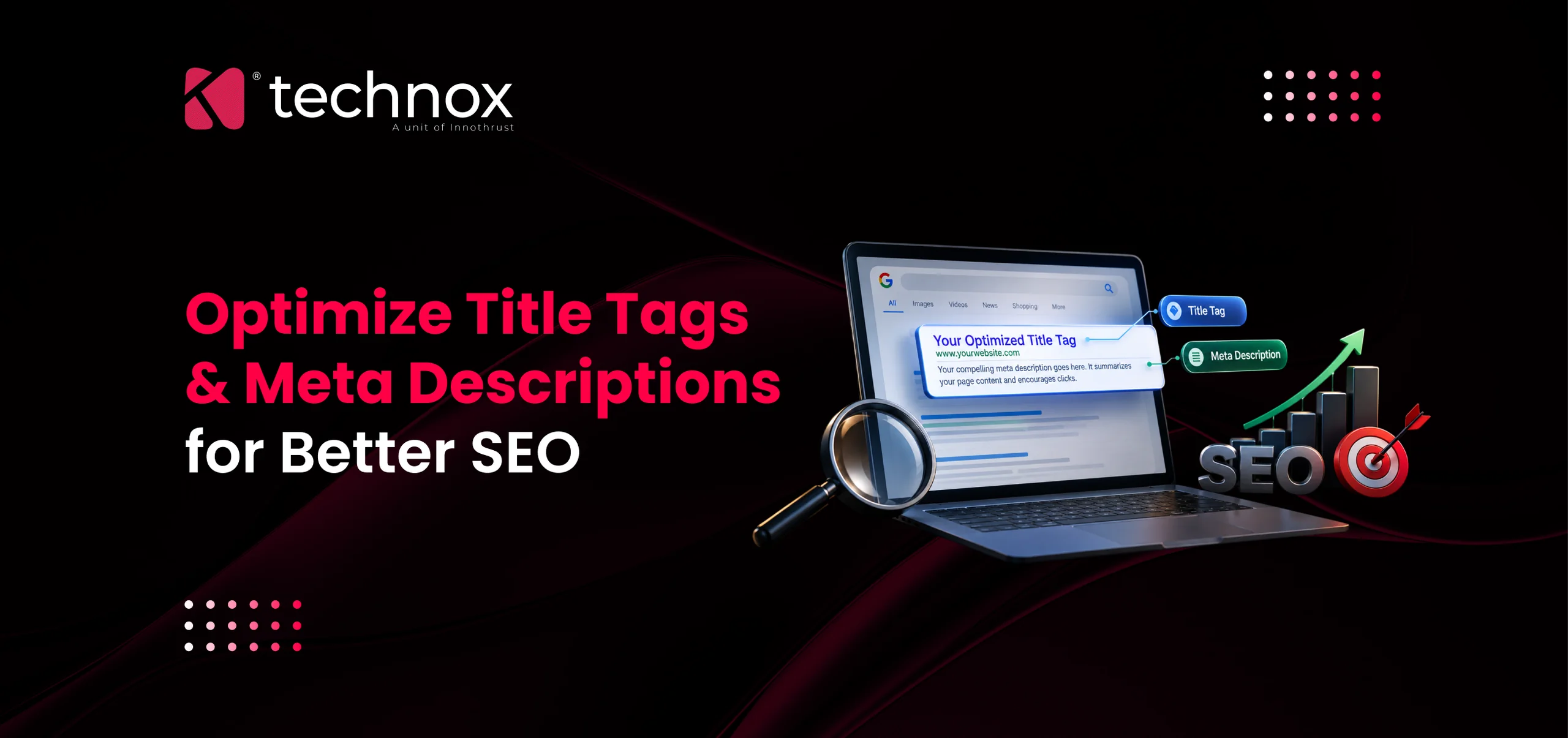
A title tag is the HTML element that names a page. It shows up as the blue clickable headline in Google results and in your browser tab.
A meta description is a short HTML summary of the page. It shows up as the grey text underneath the title.
Here's the key difference:
The title tag is a real relevance signal. Google uses it to understand the page, and it's your biggest lever over click-through rate.
The meta description carries no ranking weight on its own. But it strongly shapes whether someone clicks your result over the next one.
Together, they do one job: earn the click. Write them separately and you waste space repeating yourself instead of making the case.
Pixel Width Matters More Than Character Count
Most checklists say "keep your title under 60 characters." That's a rough proxy, not the real rule.
Google truncates titles and descriptions by pixel width, not character count. A capital "W" takes up roughly three times the space of a lowercase "i". So two titles with the same character count can display completely differently.
Treat these character counts as a safety margin, not a target to max out.
Practical fix: Use a pixel-based preview tool before publishing. Put your most important words in the first 40-50 characters so the meaning survives even if the rest gets cut.
Why Google Rewrites Most Titles Anyway
Here's the part that surprises most business owners: a perfectly sized, well-written title tag still isn't guaranteed to show up as written.
The data:
Zyppy SEO studied over 80,000 title tags across 2,370 websites. Google rewrote 61.6% of them, at least partially.
A newer 2025 study found the rewrite rate had climbed to 76.04%. Only 24% of titles survived untouched, and Google removed an average of 2.71 words when it did rewrite.
What this means for you: title tag optimization isn't a "set once, forget it" task. It's an ongoing discipline of writing titles specifically to reduce the odds of a rewrite.
Length is the single biggest trigger. Here's the breakdown:
A quick example: a title like "Best CRM Software [2026 Guide]" will most likely lose the bracketed part. Google reshapes what's left around your H1 or page content instead.
Parentheses fare better than square brackets. Dashes survive more often than pipes. So "Best CRM Software for Small Teams - Complete 2026 Guide" holds up better than the bracketed version.
Meta Descriptions Get Rewritten Even More
If title tags feel unreliable, meta descriptions are worse. This is why many businesses give up on writing them at all.
The data:
Ahrefs studied 20,000 keywords and found Google rewrites meta descriptions 62.78% of the time.
Portent's independent study found an even higher rate: 71% on mobile, 68% on desktop.
That doesn't mean stop writing them. It means aim your meta description at one job: winning the click for your single most important target query.
Google often pulls a passage from your body content instead, when it thinks that passage answers a searcher's specific query better than your fixed description. A page ranking for fifteen keyword variations might show fifteen different snippets, only one of which is the description you wrote.
The real fix: write a strong description for your main query, and structure your body content with clear, quotable sentences that can stand in as a snippet for everything else.
The Click Math That Makes This Worth Doing
Ranking well isn't the same as being seen. Being seen isn't the same as being clicked.
Backlinko analyzed roughly 4 million search results and found:
The #1 organic position earns a 27.6% average click-through rate.
The top 3 results together capture 54.4% of all clicks on the page.
By position 10, click-through rate drops to roughly 1.7-2.8%.
What this means in practice: if two competing pages rank #2 and #3 for a valuable query, a stronger title and description on the lower-ranked page can genuinely out-click the weaker pairing above it. Ranking gets you in the room. The title and description decide who gets clicked.
How to Write Titles That Hold Up
Work through these in order.
Lead with the topic, not the brand. Put the words a searcher actually typed in the first 40 characters. "Real Estate CRM for Small Agencies" beats "Technox Technologies - Software Solutions."
Add one differentiator, not five. A location, a use case, or the current year is usually enough. Stacking three pushes you past the safe range.
Match the title to your H1. Google increasingly ignores a title tag and pulls the H1 instead when the two don't align. Keep them close.
Use dashes, not pipes. Skip brackets. This one formatting choice measurably changes your odds of a clean display.
Write as if the title is all a searcher will ever see. For a meaningful share of visitors, it is.
How to Write Descriptions That Earn Clicks
The description has a different job than the title. The title matches intent and survives truncation. The description persuades the gap between "this looks relevant" and "this is worth my time."
State the specific outcome first, in the first 110-120 characters, so it survives on mobile.
Add one concrete supporting detail (a number, a timeframe, a deliverable) that a generic snippet couldn't guess.
Don't repeat the title tag. Searchers scan both lines together, so repeating wastes the second line.
Skip generic calls to action like "learn more." Google is statistically more likely to override these with its own text.
How AI Search Changes the Game
Search Everywhere Optimization means optimizing for Google Search, AI Mode, AI Overviews, ChatGPT Search, Perplexity, and Copilot all at once.
These systems use your title as a compact summary when deciding whether your content deserves a citation in a generated answer.
A vague, marketing-heavy title gives an AI system nothing concrete to lift.
A clear, specific, entity-rich title gives it an easy, low-risk sentence to quote.
Structured data helps here too. Adding Article, Product, FAQPage, or LocalBusiness schema doesn't fix a weak title. But it gives search engines and AI crawlers a second, machine-readable confirmation of what the page covers, which increases the odds your intended title gets used instead of a generated substitute.
Title Tags vs. H1 Tags: Why the Confusion Costs You
Business owners often assume the title tag and the H1 heading are the same thing. They're not, and mixing them up creates real problems.
The title tag lives in the page's <head> section. It's invisible on the page itself. It only shows up in the browser tab and in search results.
The H1 is the main visible heading on the page itself, the one a human reader actually sees first.
They can say similar things, but they don't have to be identical. A title tag can be written tighter and more keyword-focused for the search results. The H1 can read more naturally for a person already on the page.
Where this goes wrong: when the two are wildly different, Google increasingly treats that as a trust signal problem. If your title promises one thing and the H1 delivers something else, Google may just pull the H1 into search results instead of your carefully written title. Keep the core topic consistent across both, even if the phrasing differs slightly.
Real Examples: Before and After
Seeing a weak title rewritten well makes the framework easier to apply. Here are three examples across different industries.
Real estate listing page
Before: "Homes | GreenView Realty | Properties [Best Deals]"
Problem: brackets, vague structure, no location, no property type.
After: "3 BHK Apartments in Coimbatore - GreenView Realty"
Wellness and healing center
Before: "Welcome to Serenity Wellness Center"
Problem: boilerplate "welcome" language tells Google nothing about the service.
After: "Holistic Healing & Wellness Therapy in Coimbatore"
Fitness and gym membership page
Before: "PowerFit Gym | Home | Fitness | Workout | Gym"
Problem: keyword stuffing, repeated terms, no differentiator.
After: "Personal Training & Group Fitness Classes - PowerFit Gym"
In each case, the fix follows the same pattern: drop the boilerplate or the keyword stack, lead with what the page actually offers, and add one differentiator (location, service type, or specialty) instead of five.
Should Every Page Have the Brand Name in the Title?
Not always. This is a judgment call, not a rule.
For your homepage and top commercial pages, yes, adding the brand name at the end usually helps, especially once people recognize it. It builds trust and reinforces the association between the brand and the service.
For long-tail blog posts and deep informational pages, it's often a waste of space. A brand suffix eats characters that a useful keyword or qualifier could occupy instead, and most readers landing on a blog post care more about the answer than the publisher.
A reasonable default: keep the brand name on service pages and the homepage, drop it on individual blog articles unless there are characters to spare after the core topic is covered.
How This Fits Into a Broader SEO Strategy
Title tags and meta descriptions don't work in isolation. They sit inside a wider set of on-page and technical decisions that all reinforce each other.
Strong internal linking helps Google understand which pages on a site are most important, which in turn affects how much attention Google gives to getting that page's title right. Clean site architecture makes crawling more efficient, so updates to titles and descriptions get picked up faster. Structured data adds a second layer of confirmation for what a page is about, on top of the title itself.
Treat title and meta description work as one part of a larger technical and content SEO effort, not a standalone task that gets fixed once and forgotten.
Google's own guidance on title links and meta descriptions is worth bookmarking as a reference. Beyond that, use Google Search Console's Performance report. Look at impressions and click-through rate together, at the page and query level.
High impressions + low CTR = the title or description is the problem, not the ranking.
Give it four to six weeks after any edit before judging results. Google doesn't always adopt a new title or description right away. Compare your live SERP snippet against your actual HTML to see whether Google is using your text or substituting its own.
Where to Go From Here
Getting titles and descriptions right across dozens or hundreds of pages, while fixing the underlying causes of rewrites like weak site structure or misaligned H1s, is ongoing work. It's exactly what a dedicated SEO company in Coimbatore handles as standard practice.
Frequently Asked Questions
What is a title tag in SEO?
The HTML element that names a webpage. It appears as the clickable blue headline in Google search results.
What is a meta description and does it affect rankings?
A short HTML summary shown beneath the title in search results. It's not a direct ranking factor, but it strongly affects click-through rate.
How long should a title tag be in 2026?
Aim for 50-60 characters. That usually keeps you under Google's ~600-pixel desktop cutoff, though the real limit is pixel width, not character count.
How long should a meta description be?
Around 150-158 characters on desktop, 110-120 on mobile. Put the key information in the first 110-120 characters so it survives on mobile.
Why does Google rewrite my title tags?
Usually because the title is too long, keyword-stuffed, doesn't match the H1, or doesn't match the searcher's specific query closely enough.
Does using brackets or pipes in a title hurt SEO?
Brackets get rewritten far more than parentheses or dashes. Pipes get replaced or removed more than dashes. Plain, dash-separated titles hold up best.
How much does professional title tag and meta description optimization cost?
It depends on site size and scope. A small business audit and rewrite can be a short fixed-fee job. Larger sites usually handle this as part of an ongoing monthly SEO retainer.
How long does it take to see results after updating title tags?
Expect four to six weeks for Google to re-crawl and display your updates, and longer for click-through and ranking changes to show clearly in Search Console.
Do title tags and meta descriptions matter for AI search results like Google AI Overviews or ChatGPT Search?
Yes. Clear, specific, entity-rich titles and descriptions make it easier for these systems to summarize and cite your page accurately. That's a core part of Generative Engine Optimization (GEO).
What tools help check if my title tag will be truncated?
Pixel-based SERP preview tools. They show exactly where a title or description gets cut off before you publish, which is more reliable than counting characters.
Should my title tag and H1 be exactly the same?
No, but they should stay closely aligned. The title tag can be tighter and more search-focused, while the H1 can read more naturally, as long as both communicate the same core topic.
Do I need a different title tag for every page?
Yes. Duplicate or near-identical titles across multiple pages tell Google those pages aren't meaningfully different, which can hurt how each one ranks individually.