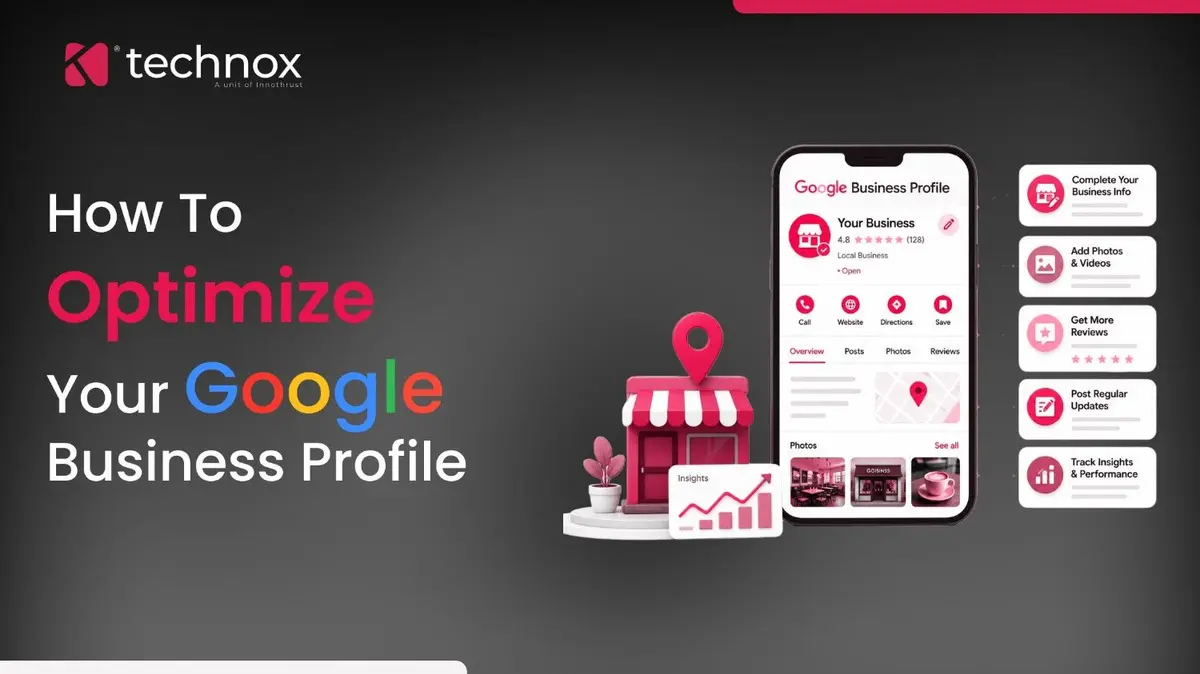
Google My Business is now called Google Business Profile, and you manage it directly in Search and Maps rather than in a separate dashboard, but the job is the same: turn a free listing into a working shopfront that nearby customers find and act on. This guide is the hands-on optimisation, field by field and feature by feature. It does not re-explain how local rankings are decided; that model lives in how local rankings actually work.
For the broader role of SEO and how search visibility works beyond the profile, see what SEO covers. Here the focus is the profile itself. If you would rather have it built and run for you, that is our done-for-you Google Business Profile management.
A profile is a storefront you can restock daily, not a form you fill once
The single mistake that caps most listings is treating the profile as a set-and-forget registration. It is closer to a shop window you can redress every week. Google rewards profiles that are complete and active, and buyers trust the ones that look alive: recent photos, fresh posts, answered questions, current hours. A profile that was perfected two years ago and never touched since reads as a business that might have closed. Everything below is written to move you from a dead listing to a living one, and the difference in visibility and calls is larger than any single field.
An unverified profile barely exists, so verify it first
Before any optimization counts, the profile has to be verified, because until it is, your edits may not publish and your control over the listing stays limited. Verification is simply Google confirming that you genuinely operate where you claim to. It usually happens one of a few ways: a postcard mailed to your address carrying a code you enter, or, increasingly, a phone call, an email, or a short video in which you show your premises, your signage, any specialised equipment and proof that you manage the place. Google decides which methods you are offered, so choose from what it presents and finish the step promptly, within the window it gives you. Two checks are worth making even on an old listing. First, confirm it still reads as verified, since a profile can lose that status after a flagged edit or a support review. Second, confirm you still hold owner access, because access quietly lapses when the staff member who set it up moves on, and regaining it is slow. All of this is managed inside the Google Business Profile tools in Search and Maps. Verification is unglamorous, but every other tactic in this guide waits behind it.
Get the core fields exactly right before anything clever
The advanced features only pay off on top of a flawless foundation. Work through the core fields first, using Google Business Profile Help as the reference, and get each one exactly right.
Your primary category quietly decides which searches you can win
Of all the fields, the primary category deserves its own thought, because it sets the ceiling on which searches your profile is even eligible for. Do not guess it. Search for your main service and study which primary category your top-ranking local competitors use, since that reveals the category Google associates with the intent you want. Choose the most specific option that is still accurate: a category that is too broad dilutes relevance, and one that is too narrow can exclude you from searches you should appear for. Then use secondary categories for your other real services, and revisit the list a couple of times a year, because Google adds and retires categories quietly.
Photos and video are the profile's shop window
Visual content does double duty: it gives Google fresh signals of activity and gives buyers the confidence to choose you. Google's own guidance notes that businesses with photos tend to earn more clicks and direction requests than those without, so treat images as a running task, not a one-time upload. Add a recognisable exterior so people can find your door, real interior shots, your team, and your actual products or work rather than stock imagery. Keep adding a few genuine, well-lit photos each month, remove anything outdated, and add short videos where it helps. A profile with current, authentic visuals simply converts better than a bare one.
The features most owners ignore are where the edge is
Most competitors stop at the core fields. The dynamic features are where an active profile pulls ahead, and they are underused precisely because they take ongoing effort. Put these on a routine.
Of these, Google Posts are the easiest to overlook and among the simplest activity signals you can send, so a steady cadence, even one short post a week, quietly separates a living profile from a dormant one.
Seed your own Q&A before a stranger answers it for you
The question-and-answer section holds a quiet risk and a quiet opportunity. Anyone can ask a question on your profile, and anyone, including a competitor or a confused passer-by, can answer it, and their answer shows publicly. The fix is to take control: post the questions your customers actually ask, parking, payment, timings, whether you handle a specific need, and answer them yourself from the owner account. You seed accurate information, you occupy the space before someone fills it wrongly, and you turn a neglected feature into a small, always-on support desk. Then check weekly for new questions and answer them before anyone else does.
An optimized profile carries the searcher from finding you to acting
A good profile is not one moment of persuasion; it moves a person along an arc, and each element serves a different point on it.
Audit your profile against all three. Many businesses nail discovery and forget the act, leaving a searcher who wants to call, staring at a profile with no number, or one who wants to visit with no map pin.
A well-optimized profile helps turn local searches into actions, but where and how that profile appears in Maps also matters. That is where Google Maps SEO comes into play.
Know what gets a profile suspended before it happens
Optimisation has a hard line, and crossing it can remove your profile entirely, which costs far more visibility than any tactic buys back. Google's guidelines are specific (Google Business Profile Help), and these are the common triggers to avoid.
1. Keywords or a location stuffed into the business name. Only the real-world name belongs there.
2. A fake, virtual or residential address for a service-area business. Hide the address and set service areas instead.
3. Creating duplicate profiles for the same business. Keep one profile per real location.
4. Listing a business at a location you do not staff. Google verifies real presence.
- Businesses with more than one genuine location need a different approach to managing profiles, location signals and local visibility. See our guide to ranking multiple business locations with local SEO.
Read the profile's own performance numbers
The profile reports on itself, and those numbers are where you judge whether optimisation is working. Its performance view shows how people found you, whether through your name or a broader category search, and what they did next: calls, direction requests, website clicks and messages. Watch the balance between discovery searches and direct-name searches, because a rising share of category-based discovery means your optimisation is widening your reach. Tie calls and direction requests to real enquiries the way a website ties form fills to sales, and connect the profile to your LocalBusiness details on the website so the two reinforce each other.
Where to start, and how often to return
Optimise in order, then keep a light routine so the profile stays alive.
1. Claim and verify the profile, then complete every core field accurately.
2. Fix the primary category and add real secondary ones.
3. Upload authentic photos and enable the features you can maintain.
4. Seed your Q&A and start a regular posting rhythm.
5. Each month: add photos, post updates, answer questions, review the performance numbers.
Questions this playbook tends to raise
Is Google My Business still a thing?
Google My Business has been renamed Google Business Profile, and the separate app and dashboard were retired, so you now manage the profile directly in Google Search and Google Maps. The listing and its role are unchanged; only the name and the management interface are different. Optimising it works exactly as this guide describes.
What is the most important part of a Google Business Profile to optimize?
The core fields come first, and among them the primary category matters most, because it sets which searches your profile can appear for. Get the name, address, hours and category exactly right, then build on that with photos, the dynamic features and a regular posting habit. Advanced tactics on a weak foundation achieve little.
How often should I update my Google Business Profile?
Treat it as a monthly routine, not a one-off. Add a few genuine photos, publish a post or two, answer any new questions, and check the performance numbers each month, and update hours immediately whenever they change or a holiday approaches. An active profile signals a live business and holds visibility better than a static one.
Can optimizing my profile get it suspended?
Only if you break Google's rules. Legitimate optimisation, accurate fields, real photos, genuine categories, is safe. Suspensions come from keyword-stuffed names, fake addresses, duplicate profiles or claiming a location you do not staff. Stay inside the guidelines and aggressive-but-honest optimisation carries no suspension risk.
Keep the window fresh
An optimised Google Business Profile is not a task you finish; it is a small storefront you keep. Get the foundation flawless, switch on the features you can genuinely maintain, seed your own answers, and return each month to restock the window with fresh photos, posts and replies. The businesses that treat the profile as a living surface, not a filed form, are the ones that keep showing up when a nearby customer is ready to act.
If you would rather have it built and run for you, our SEO team in Coimbatore can handle the Google Business Profile optimisation and ongoing upkeep.