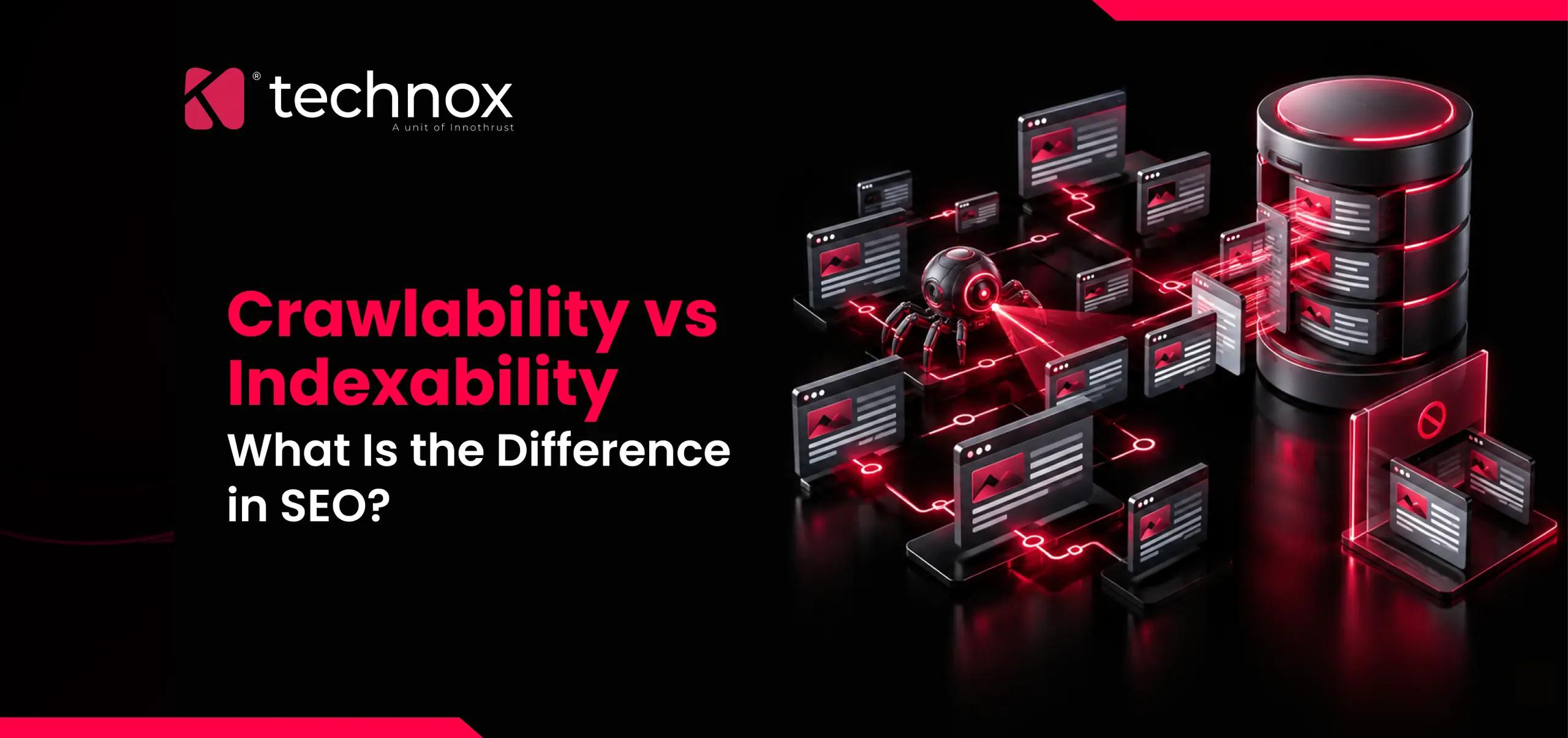
Crawlability and indexability get used as if they mean the same thing. They don't, and treating them as interchangeable is why some SEO fixes go nowhere: you spend weeks improving something Google could already do fine, while the actual blocker sits one step further down the pipeline. This article draws the line between the two clearly. What each one controls, where they depend on each other, how to tell which is actually broken on a given page, and what changes now that AI crawlers are part of the equation too. Crawlability is whether a search engine's bot, such as Googlebot, can reach a page and read what's on it. Crawlers move through the web the same way a person clicking through a site would, following <a href> links from one page to the next. Ahrefs' glossary entry on the topic puts it plainly: crawlability is the ability of a crawler to access website pages and resources, and it's distinct from what happens to that page afterward. For readers who want the broader picture before this technical breakdown, our guide to what SEO actually involves covers where crawlability fits within the discipline as a whole. A page needs to be found before it can be crawled. That sounds obvious, but it's where a lot of sites quietly fail. A page that exists only in an XML sitemap, with zero internal links pointing to it, is technically "known" to Google but poorly positioned to be crawled promptly. Pages with no links pointing to them at all, often called orphan pages, may never get discovered. Google's own documentation on crawlable links is specific about the mechanics: it can only reliably crawl a link if it's a proper <a> element with an href attribute. Links built entirely through JavaScript click handlers, buttons styled to look like links, or <a> tags missing an href, often go unseen. This is a common gap on sites built with heavy client-side frameworks, where navigation renders correctly in a browser but isn't present in the raw HTML Googlebot first fetches. Indexability picks up after crawling ends. Once Googlebot has fetched a page, Google still has to decide whether that page earns a place in its index, the database it actually searches when someone types a query. A page can be perfectly crawlable and still fail this second test. That decision weighs several things at once: whether a noindex directive is present, whether the page duplicates something already indexed, whether a canonical tag points somewhere else entirely, and increasingly, whether the content clears a basic usefulness bar. None of these are crawling problems. Googlebot saw the page fine. It just decided not to store it. A page has to clear both bars to show up in search results. Clearing only one gets you nowhere, and knowing which one it failed changes everything about how you fix it. Four combinations exist here, and three of them are worth understanding on their own. Crawlable and indexable. This is the normal, healthy state. Googlebot reaches the page and adds it to the index. Most pages on a functioning site fall here. Crawlable but not indexable. Google can see the page just fine and chooses not to keep it. A noindex tag, a canonical tag pointing to a different URL, or content that overlaps too closely with something already indexed are the usual reasons. This is a content or configuration decision, not an access problem. Not crawlable but technically indexed. This one surprises people. Google's own robots.txt documentation states directly that a page blocked in robots.txt can still show up in search results if other sites link to it, since Google can find and index the URL from those external links even without ever fetching the page's content. The result is a bare, degraded listing: the URL itself, maybe some anchor text pulled from the linking page, but no real title or description, because Google never read the page to generate one. Not crawlable and not indexed. Fully invisible. No path in, nothing to show. This is usually the result of an overly broad robots.txt rule, a server that returns errors on every request, or a page that simply has no links pointing to it anywhere on the web. That third category is the one most guides skip, and it's exactly why "blocked in robots.txt" is not the same guarantee of invisibility that people assume it is. A handful of technical factors decide whether Googlebot ever reaches a page in a usable form. Discoverability. A page needs a path in, ideally more than one. Internal links from already-crawled pages do more here than a sitemap entry alone, because a sitemap simply lists a URL exists; it doesn't tell Google the page matters enough to prioritize. Nofollow links. Googlebot does not follow links carrying a rel="nofollow" attribute. If the only internal link to a page carries that attribute, the page is effectively invisible to that path of discovery, even though the URL might still appear elsewhere. robots.txt rules. Broad disallow rules written to block a handful of URLs sometimes catch an entire folder by accident. This is one of the most common self-inflicted crawlability problems on larger sites. JavaScript rendering. Content injected client-side after the initial HTML load requires Google to render the page in a second pass before it can be evaluated. That second pass isn't guaranteed to happen quickly, and on large sites with limited crawl budget, it sometimes doesn't happen at all for lower-priority pages. Server responses. Slow response times, intermittent 5xx errors, or redirect chains all reduce how much of a site Googlebot is willing to fetch in a given crawl session. Google's crawl budget documentation frames this directly: crawl capacity, how much load a server can absorb, and crawl demand, how much Google wants to visit a given URL, together decide how far a crawl actually goes. Once a page clears crawling, a different set of signals decides whether it stays. A no index directive, whether placed as an HTML meta tag or as an X-Robots-Tag HTTP header, is the most direct override. Google's documentation on blocking search indexing is explicit that this only works once Google has actually crawled the page and seen the tag; a no index rule sitting behind a robots.txt block that prevents crawling in the first place never gets read at all, which is a contradiction that trips up a surprising number of migrations. Canonical tags decide which version of near-duplicate content gets the index slot when several URLs return substantially the same thing, such as a product page reachable through three different filter combinations. Content depth and originality matter too, particularly for pages generated at scale, like bulk location pages or templated service variants, where each individual URL needs enough unique substance to justify existing as its own indexed entry rather than being folded into a stronger, more complete page. Start with the URL Inspection tool in Search Console rather than guessing. If it reports the page as "Discovered, currently not indexed" or shows no crawl history at all, the problem sits upstream, in crawlability. If it shows the page was crawled and then lists a specific exclusion reason, such as a no index tag or a canonical pointing elsewhere, the crawl succeeded and the problem is indexability. A second, faster check: run a crawler like Screaming Frog against the site and compare what it finds by following links against what's listed in the XML sitemap. Any URL sitting in the sitemap that the crawler never reaches through a link is an orphan, a crawlability issue by definition, regardless of how good the content on that page is. For sites carrying real technical debt, this is usually where a proper technical audit earns its cost. A technical SEO audit walks through exactly this sequence, page by page, rather than fixing one symptom and hoping the rest follows, and our own breakdown of what a technical SEO audit process actually covers goes into that sequence in more detail. Confusing the two wastes real time. A team that spends a sprint rewriting product descriptions because pages "aren't showing up" gains nothing if the actual cause was a robots.txt rule blocking the entire /products/ folder after a platform migration. The content was never the problem; nobody ever got to see whether it was good. The broader case for treating this kind of technical groundwork as a business priority, not just a developer task, is covered in why SEO matters for business success. The reverse mistake costs just as much. A site that keeps requesting re-crawls and resubmitting sitemaps for pages that are being crawled just fine, but rejected on quality or duplication grounds, is treating an indexability problem as if it were an access problem. No amount of resubmission fixes a canonical tag pointing somewhere else. Crawlability used to mean one bot: Googlebot. That's no longer accurate. A growing set of AI crawlers now fetch pages for entirely different reasons, and they don't all behave the same way robots.txt has trained site owners to expect for the last three decades. Training crawlers like GPTBot, ClaudeBot, and Google-Extended collect content to build model training datasets and generally respect robots.txt closely. Search and answer crawlers, including OAI-SearchBot, PerplexityBot, and Claude-SearchBot, fetch pages in real time specifically to power AI-generated answers and citations, which makes blocking them a direct visibility decision rather than a training-data preference. Data from a Cloudflare-network analysis published in September 2026 put concrete numbers on how publishers are actually treating these bots: GPTBot was named in more robots.txt disallow rules than any other AI crawler, ahead of ClaudeBot, Google-Extended, and CCBot, and the naming volume for all of them has been climbing steadily through the year. Separate research tracking the top 1,000 sites found GPTBot blocking has plateaued at roughly a quarter of those sites since 2024, while a "middle path," blocking training bots but explicitly allowing search-time bots like PerplexityBot and OAI-SearchBot, has become the single most common configuration. The same research noted that close to 90% of AI crawler traffic overall is training-related rather than search-related, which is part of why publishers are comfortable blocking the bulk of it while leaving the smaller, citation-driving slice open. For a business weighing this, the practical takeaway isn't "block everything" or "allow everything." It's that robots.txt now needs separate, deliberate rules for training bots versus search bots, something covered in more depth in our guide to Google AI Mode optimization, since getting cited in an AI-generated answer depends on the search bot reaching the page in the first place, the same crawlability question this article started with, just with a different crawler. Blocking a folder in robots.txt to "remove it from search," not realizing the page can still surface as a bare, titleless listing if anything else on the web links to it. Adding a no index tag to pages that are also disallowed in robots.txt, which means Google never crawls far enough to see the no index rule at all. Treating a slow site purely as a user experience problem, missing that it also throttles how much of the site Googlebot bothers to crawl per visit. Assuming a JavaScript-heavy site is fully crawlable because it looks complete in a browser, without checking what the raw HTML actually contains. Applying one blanket robots.txt rule to every AI bot, which either blocks legitimate AI-search citation opportunities or does nothing to stop training crawlers, depending on which direction the rule leans.What Crawlability Actually Means
What Indexability Actually Means
The Difference, in One Table
A Page Can Be One Without Being the Other
What Actually Controls Crawlability
What Actually Controls Indexability
How to Tell Which One Is Actually Broken
Why the Distinction Actually Matters to a Business
AI Crawlers Have Added a Third Layer
The Data Behind This
Common Mistakes
Frequently Asked Questions
What is the main difference between crawlability and indexability?
Crawlability is whether a search engine's bot can access and read a page. Indexability is the separate decision, made after crawling, about whether that page gets stored in the search engine's index and made eligible to appear in results.Can a page be crawlable but not indexable?
Yes, and it's common. Google can crawl a page without issue and still exclude it from the index because of a no index tag, a canonical tag pointing elsewhere, or content that's too thin or duplicative compared to what's already indexed.Can a page be indexed without being crawled at all?
In a limited sense, yes. If a page is blocked in robots.txt but other sites link to it, Google can still list the bare URL in search results based on those external signals, without ever having read the page's actual content.Does blocking a page in robots.txt guarantee it won't appear in Google?
No. Google's own documentation states that a disallowed page can still surface in search results if it's linked from elsewhere on the web. Use a no index directive, password protection, or full removal if the goal is to keep a page out of results entirely.How do I check whether a page's problem is crawlability or indexability?
Use the URL Inspection tool in Search Console. If it shows no crawl history or a "discovered, not indexed" status, the issue is upstream in crawlability. If it shows the page was crawled and lists a specific exclusion reason, the issue is indexability.Does JavaScript affect crawlability?
It can. Content and links that only appear after JavaScript executes require Google to render the page in a separate pass before it can evaluate them, and that pass is not guaranteed to happen quickly, particularly on large sites.What is an orphan page, and why does it matter for crawlability?
An orphan page has no internal links pointing to it from anywhere else on the site. Without a link path, crawlers may never find it, regardless of whether it's listed in the sitemap.Do AI crawlers follow the same rules as Googlebot?
Not entirely. Training-focused AI crawlers like GPTBot and ClaudeBot generally respect robots.txt, but some bots have been documented ignoring it, and real-time, user-triggered fetchers sometimes behave differently from automated crawlers entirely. Each bot's behavior needs to be checked individually rather than assumed.Should I block all AI crawlers to protect my content?
That depends on the goal. Blocking training crawlers keeps content out of model training data. Blocking search and answer crawlers as well removes any chance of being cited in AI-generated search answers, which functions as a visibility channel in its own right for many businesses.What tools can I use to check crawlability and indexability separately?
Search Console's URL Inspection tool and Page Indexing report cover indexability directly. For crawlability, a crawler like Screaming Frog, Semrush's Site Audit, or Ahrefs Site Audit can map which pages are actually reachable through links versus which only exist in a sitemap.
SEO
HOME>
BLOGS>
SEO
Crawlability vs Indexability: What Is the Difference in SEO?
Read Time12 mins
AuthorTechnox Technologies Team
PublishedSep 18, 2026