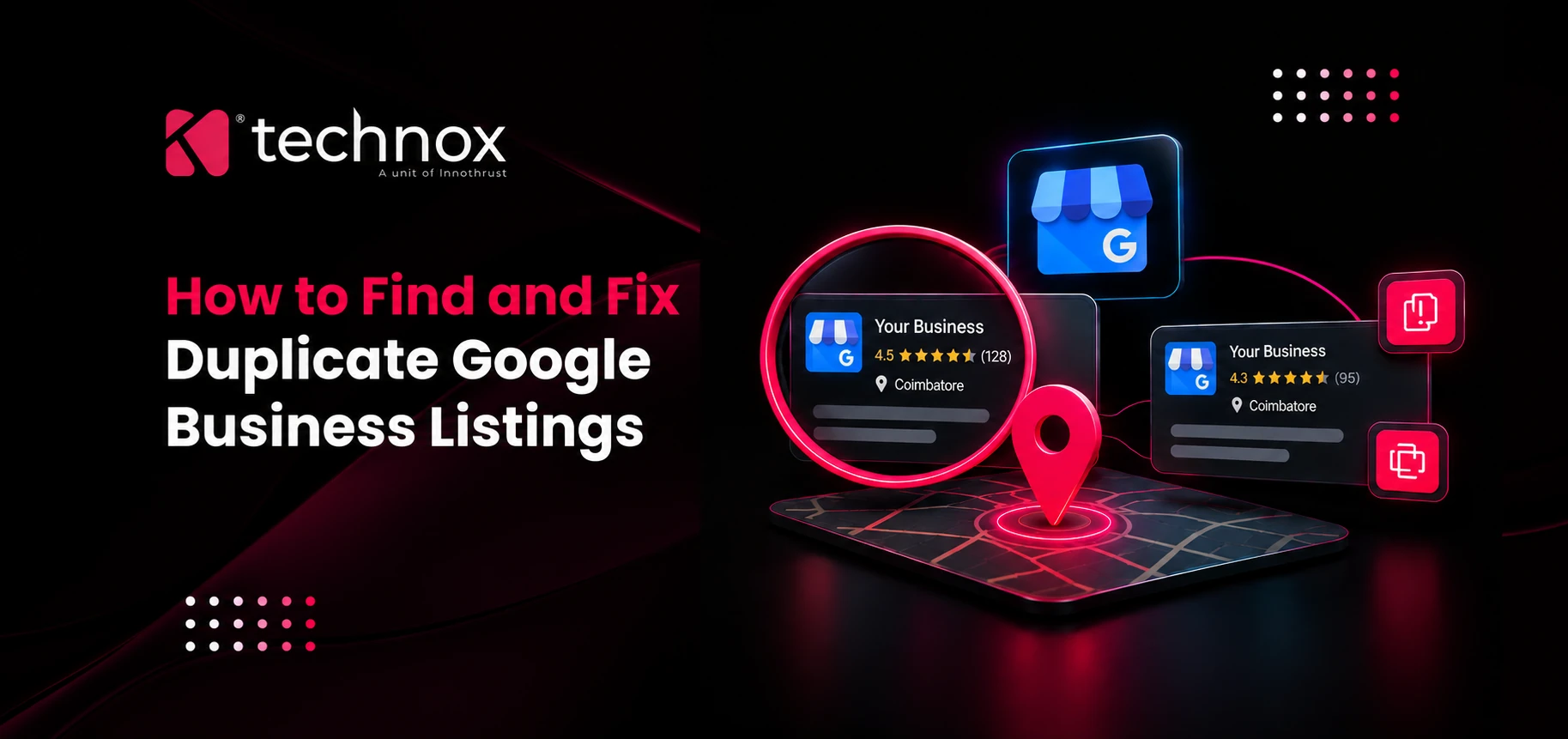
Two Google Business Profiles for one business look harmless until Google shows the wrong one. Finding the duplicates takes an afternoon, but removing them without losing reviews takes more care than the help pages suggest.
This guide covers how duplicates get created and how to find them, including the ones that never appear in your dashboard. It then explains how to choose between merging, removing and reporting, and how to stop them coming back. It also covers why one clean listing record matters beyond Google Maps, for AI assistants and for the topical authority of your wider local presence.
What Counts as a Duplicate Google Business Listing
A duplicate Google Business listing is a second profile for the same business at the same location. Google's guidelines for representing your business say not to create more than one page for each location, whether in a single account or in several.
Not everything that looks like a duplicate is one. Google's guidance on resolving duplicate profiles and ownership issues allows separate profiles for eligible businesses at the same address, such as individual practitioners or departments within a larger business. Where two businesses share a location, Google may ask for evidence of permanent signage showing both.
How Duplicate Listings Get Created
Most duplicates come from people, not from Google. A new marketing hire sets up a profile without checking whether one exists. An agency is replaced and the next agency starts from scratch. A business moves, and someone creates a fresh profile because it feels cleaner than editing the old one.
Duplicates also come from outside your control. Third-party data, customer-suggested places on Maps and old directory feeds can all produce a listing you never created. Google says its local results draw on information about a business from across the web, including links, articles and directories, so a stale directory entry is not always harmless.
A few other triggers show up repeatedly in audits:
A rebrand where the old name keeps its own profile
Staff using personal Google accounts to claim the profile
Bulk uploads with the same address and no store code
A virtual office address, which Google treats as ineligible, listed alongside the real premises
Why Duplicates Hurt Local Rankings, Reviews and AI Visibility
Google says local results are based primarily on relevance, distance and prominence, and that review count and score factor into local ranking. Duplicates split exactly the inputs that prominence relies on. Reviews land on two profiles, and so do photos, citations and links.
Google does not publish how it handles signals across duplicate records, so treat the ranking cost as a likely effect rather than a measured one. The customer-facing cost is easier to see. Someone finds the old phone number, calls a disconnected line, and never looks you up again.
What the Research Says
The review figures come from BrightLocal's Local Consumer Review Survey 2026, and the rest are in its local SEO statistics roundup. One caution: the review survey sampled 1,002 US adults, so Indian consumer behaviour may differ in the details. The direction is hard to argue with, though. Practically, run a duplicate audit before you spend on review campaigns, because new reviews sent to the wrong profile are wasted.
How to Find Duplicate Google Business Listings
Your dashboard only shows part of the problem. The duplicates that cause the most damage are usually owned by nobody, or by someone who left the company years ago.
Step 1. Search Google Maps the Way a Customer Would
Search your business name plus city, then your old name, your previous address and your phone number. Do it on mobile as well, since results can differ. If you want a deeper look at how Maps results get built, our guide to Google Maps SEO covers it.
Step 2. Check Your Account Statuses
Open Business Profile Manager, go to Manage locations and look for the status "Duplicate". Google explains that a location you add that has already been verified is marked as a duplicate in your account, and it is not shown on Google Maps. A status of "Access needed" means someone else already verified that location.
Step 3. Audit Every Google Account Tied to the Business
Ask who set up the profile originally. Check the owner list on each profile you can reach, and look for old agency or employee accounts. Google's rule covers duplicates across multiple accounts, so a profile in an ex-employee's Gmail still counts.
Step 4. Run a Directory and Citation Check
Listing tools such as BrightLocal, Semrush listing management, Yext and Uberall can surface duplicates across directories. Google duplicates are only part of the picture, since consumers check around six review sites on average. A wrong Apple Maps or Facebook entry can send customers to the wrong place too.
Merge, Remove or Report: Choosing the Right Fix
The right fix depends on who owns each profile and which one holds the reviews you want to keep.
How to Remove Duplicates From Your Own Account
Sign in to Business Profile Manager, go to Manage locations, tick each duplicate, and choose Actions, then Remove location. Google warns that a removed location can't be recovered, and that if the location you kept is unverified, you'll have to verify it, even if the one you removed was verified. Do the copying before you click, not after.
How to Report a Duplicate on Google Maps
Find the listing on Maps, select Suggest an edit, then Close or remove, then Duplicate of another place, and submit. This works for duplicates you don't own, but you are asking Google to decide, not instructing it to act.
How to Request a Merge Without Losing Reviews
Google says that for a merge to succeed, the profiles must represent the same business and carry the same information. Match the name, address, phone number and category on both before you ask. Save screenshots of reviews and your owner replies first.
BrightLocal's merge guide notes that merging combines reviews, but review responses are widely reported not to carry over. Treat that as a likely cost and plan to re-reply to important reviews afterwards.
What to Do When the Duplicate Isn't Really a Duplicate
Multi-location businesses get flagged wrongly more than anyone else. Google's bulk-upload guidance says to use store codes to tell apart locations that share an address. If you run several branches, our guide on how to manage Google Business Profile for multiple locations covers the account setup, and the piece on ranking multiple business locations in local SEO covers what comes after.
A Typical Scenario: The Business That Moved
This is an illustrative case, not a client result. A business moves two streets away and, wanting a fresh start, creates a new profile instead of editing the old one. The old profile stays live with years of reviews and the previous address.
Customers now see two listings for the same business. The newer profile has few reviews, and the older one sends people to closed premises. The fix is to update the old profile to the new address, since it holds the reviews and history, then remove the new one. A site audit won't catch this, because the problem lives in the listing records.
Search Engine Land makes a related point in its guide to following Google Business Profile guidelines. Don't delete a profile from your dashboard and create another to solve a problem.
Why One Clean Listing Strengthens Your Topical Authority
Topical authority is the depth and consistency with which a site or entity covers a subject. Google doesn't publish a score by that name, so duplicate listings can't be said to lower it directly. The relationship is indirect but real.
Local authority works as a chain. Your profile, your location pages, your schema markup and your reviews all need to describe the same entity. Duplicates break that chain at the first link. Anything built on top, from local landing pages to internal links, now points at an entity Google or an AI assistant may read two ways.
This is the same reasoning behind what SEO is in the first place: clear signals, matched to what searchers and systems need to understand. The broader local SEO guide covers how profile, citations and on-site content connect. If your name, address and phone number match in every place that carries them, your site's local pages reinforce the profile instead of competing with it.
Mistakes That Undo the Cleanup
Deleting first, copying later. Google states removal can't be reversed.
Fixing Google but not the feeds. An old directory entry can recreate the problem.
Changing the business name to look different. It invites a separate guideline problem.
Using a virtual office address. Google treats these as ineligible.
Filing the same request repeatedly. Fix the data first, then ask once.
How to Stop Duplicates From Coming Back
Prevention is mostly governance. Decide who owns the profile, keep one master record of your name, address, phone, hours and category, and use it everywhere. When the business moves, edit the profile; don't start a new one.
Then keep the profile complete. Our walkthrough on how to optimize your Google Business Profile covers categories, services and photos, all of which Google reads when matching your profile to searches. Add a rule to your agency handover checklist that nobody creates a profile before searching Maps for an existing one.
AI Search Considerations
AI assistants answer local questions from whatever public records they can read, which includes your profile, your site and your reviews. With 45% of consumers now using AI tools for local recommendations, conflicting records are a bigger risk than they were a year ago. Google doesn't say how its AI features pick between duplicate records, so the safer position is to remove the conflict.
Match your LocalBusiness structured data to the profile exactly. Schema markup alone doesn't guarantee a rich result, but a mismatch gives every system one more reason to doubt which version is right.
Cost, Timeline and Tools
Google charges nothing for removing, reporting or requesting a merge. The cost is staff time, or an agency audit if you have many locations. Google doesn't publish timelines for merge or removal requests, so I can't give you a reliable number. Plan for it to take longer than a single working day, and keep monitoring after you submit.
Common tools include Google Maps and Business Profile Manager (free), plus BrightLocal, Semrush, Yext and Uberall for directory audits and monitoring.
KPIs to Track After the Cleanup
Trends to Prepare For
Reviews are spreading beyond Google. BrightLocal's survey reports that consumers use around six review sites, with video platforms gaining ground. AI tools are the third most common source of local recommendations, behind Google and Facebook. A duplicate on any of them is now part of your reputation, and one owner should audit all of them regularly.
If you'd rather hand the audit to a team that does this routinely, our SEO company in Coimbatore can run it for you. You can also see everything we do at Technox Technologies.
Frequently Asked Questions
1. What is a duplicate Google Business listing?
It is a second profile for the same business at the same location. Google's guidelines say not to create more than one page per location.
2. Do duplicate listings hurt SEO?
They can split reviews and other signals across two records. Google doesn't publish exactly how it treats them, so the likely harm is split prominence and customer confusion.
3. How do I find duplicate listings?
Search Maps by name, old name, address and phone number, then check Manage locations for "Duplicate" and "Access needed" statuses. Add a directory audit tool if you have many locations.
4. Should I merge or remove a duplicate?
Merge if the duplicate holds reviews worth keeping. Remove it if it's empty or inaccurate and sits in your own account.
5. Will I lose reviews when I merge?
Reviews generally combine, but BrightLocal notes that review responses are widely reported not to carry over. Screenshot everything first.
6. Can I undo removing a duplicate?
No. Google states a removed location can't be recovered, so copy crucial information to the kept profile first.
7. How do I fix a listing wrongly marked as a duplicate?
Check that the address and store code are distinct for each location. If it's still flagged, contact Google support.
8. Can two businesses share one address?
Yes, if each is eligible. Google may ask for permanent signage that clearly shows both.
9. Should I create a new profile if I move?
No. Google says to update the address on your existing profile.
10. How long does a merge or removal take?
Google doesn't publish a timeline. Keep monitoring the listing after you submit.